One conversion queue
Mix supported file types, choose an output for each file, filter by type or status, and work through a batch.
 Universal Converterby E5 Nexus
Built for your workflow
Practical tools for the files you already have. All in a native Windows desktop app.
Mix supported file types, choose an output for each file, filter by type or status, and work through a batch.
Merge PDFs in order, split pages or ranges, optimize PDFs, and combine images into one document.
Resize, rotate, adjust quality, and choose whether supported metadata is kept. HEIC and AVIF inputs are included.
Convert media containers, trim a clip, adjust quality and audio settings, or extract an available audio stream.
Bundled LibreOffice and Calibre power document, spreadsheet, presentation and ebook conversions.
Move supported structured data between formats, export worksheets and repackage supported archives.
Search previous jobs, open results, find their folders, and restore saved settings for a retry.
Unfinished work can be restored for manual review. Jobs never start again automatically after recovery.
Expand or collapse the sidebar, use dark/light/system appearance, and navigate with keyboard shortcuts.
The actual app
Overview, Converter, PDF Studio, History and Settings. A clear next step, whichever file you start with.
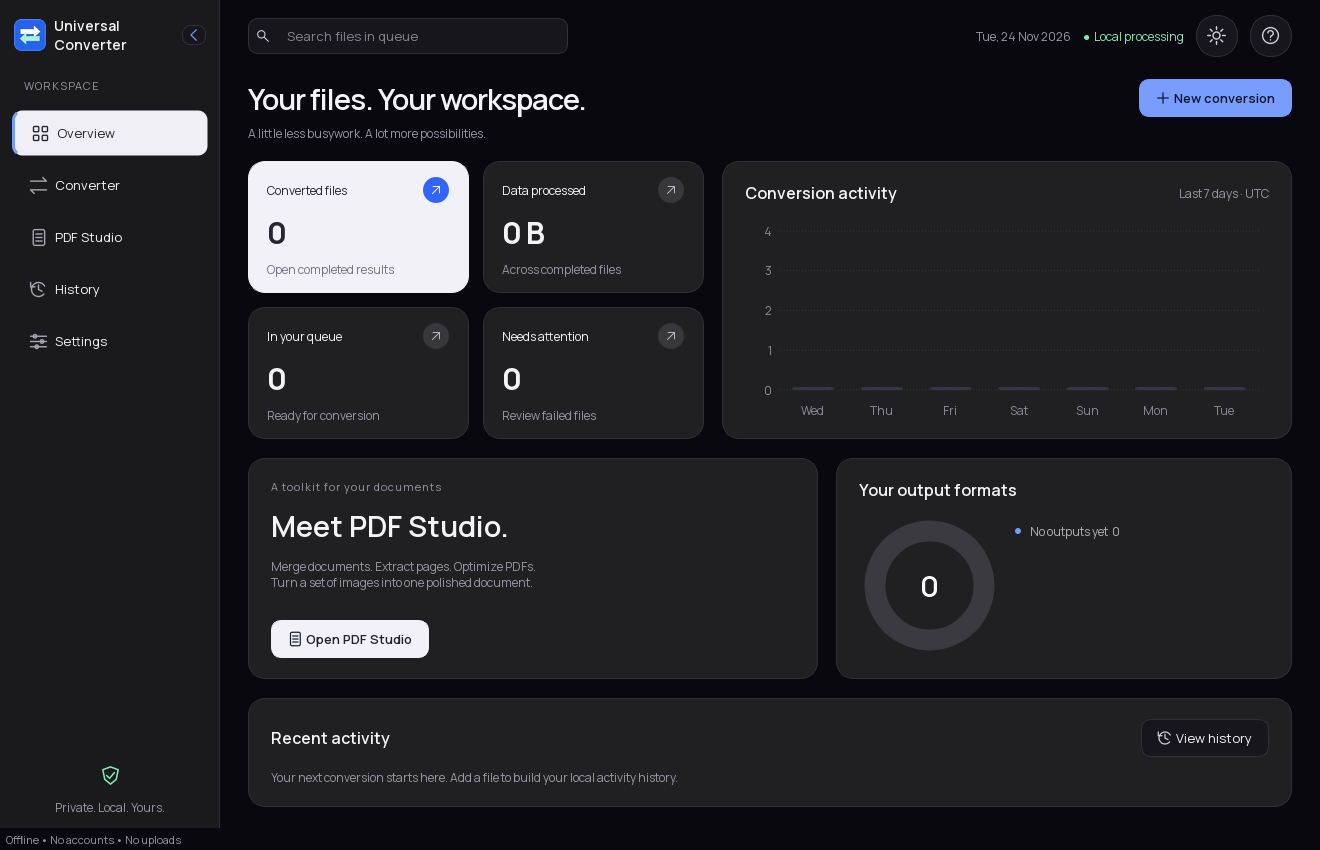
One desktop workspace. Your files, kept close.