Your work.
Your computer.
Conversion happens locally. No file uploads, conversion accounts or cloud-processing queue.
 Universal Converterby E5 Nexus
Every format. One local workspace.
Convert documents, images, media and more.
One beautifully simple Windows app. All on your computer.
Windows 10 & 11 · x64 · No account required
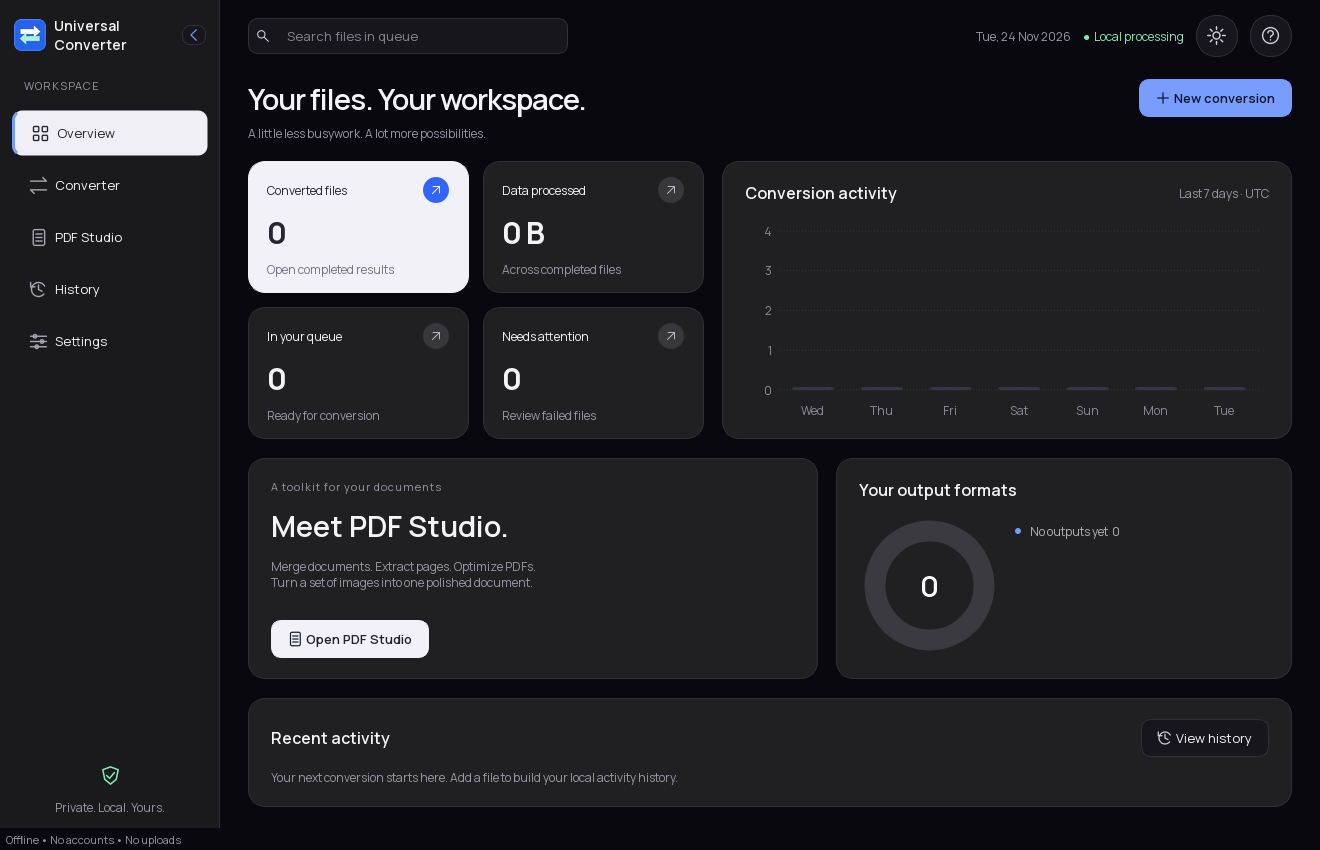
A better everyday workflow
Go from “this file won’t open” to “that’s exactly what I needed.” Without moving your work into a browser.
Conversion happens locally. No file uploads, conversion accounts or cloud-processing queue.
Bring documents, images, audio and video into the same workspace. Choose a format for each file.
Merge, split, optimize, or turn images into a PDF with the built-in PDF Studio.
Adjust image dimensions, media quality, audio settings and more before converting.
Local history keeps results close. Restore unfinished work for review after a restart.
From file to finished
Browse your computer or drag files into the desktop workspace.
Pick a compatible format and adjust the settings that matter.
Save locally, open your results, and get back to your work.
Good to know
No. Add files inside the Windows application. Conversion happens on your computer. This website is a product and download site, not an online converter.
The full offline installer bundles the app runtime, FFmpeg, LibreOffice and Calibre. A separate Python, Office or engine installation is not needed for the included conversions.
Version 1.5.0 is available for Windows x64. Review its installation requirements and signing details on the download page.
One desktop workspace. Your files, kept close.